
Voice over apps fall into two groups: apps that help voice actors record, edit, practise and find work, and apps that make a voice over for you with AI. This guide covers both. Every app below links to its official site, and each has a screenshot so you know what you’re getting.
Quick picks: starting with no budget? Audacity. Want one app to grow into? REAPER. Need a voice over without recording one? Lazybird.
At a glance
| App | Use it for | Platforms | Price |
|---|---|---|---|
| Audacity | Recording, editing | Win, Mac, Linux | Free |
| REAPER | Recording, editing, audiobooks | Win, Mac, Linux | $60 / $225 one-time |
| Adobe Audition | Editing, cleanup | Win, Mac | Subscription |
| TwistedWave | Quick editing | Mac, Win, iOS, web | Paid; free web tier |
| Ferrite | Recording on iPad/iPhone | iOS | Free + Pro |
| GarageBand | Starting out on Mac | Mac, iOS | Free |
| ocenaudio | Simple editing | Win, Mac, Linux | Free |
| iZotope RX | Audio repair | Win, Mac | Paid tiers |
| Pro Tools | Studio work | Win, Mac | Subscription; free Intro |
| Source-Connect | Remote studio sessions | Win, Mac | Subscription |
| Cleanfeed | Remote sessions | Browser | Free + Pro |
| Voices.com | Finding work | Web | Free; $499/yr Premium |
| ACX | Audiobook work | Web | Free |
| Lazybird | AI voice over | Web | Free to start |
| Our free tools | Timing, practice | Browser | Free |
Prices change often. Confirm on each app’s official site before you buy.
Apps for recording and editing
This is where you’ll spend most of your time. For auditions you need to record clean, trim the breaths and mistakes, and export a WAV or MP3. Any app here does that; the difference is speed, cleanup tools and price. Pair it with the right gear from voice over equipment for beginners.
Audacity
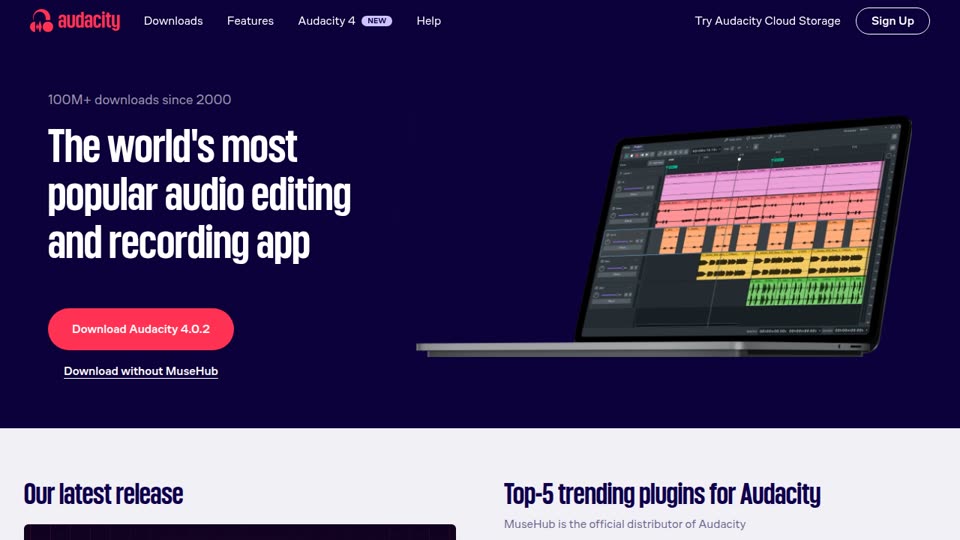
Platforms: Windows, Mac, Linux
Price: Free and open source
Best for: Your first auditions on a zero budget
The best-known free audio editor. It records, edits, applies effects (noise reduction, compression, normalising) and exports to WAV or MP3, which covers everything an audition needs.
Good:
- Free, with no time limit or watermark
- Huge number of tutorials, so any problem you hit has been solved before
- Macros let you apply the same processing chain to every file
Watch out:
- Fewer workflow tools than a full DAW once you record long-form work
- Easy to over-process: noise reduction applied heavily makes a voice sound watery
REAPER
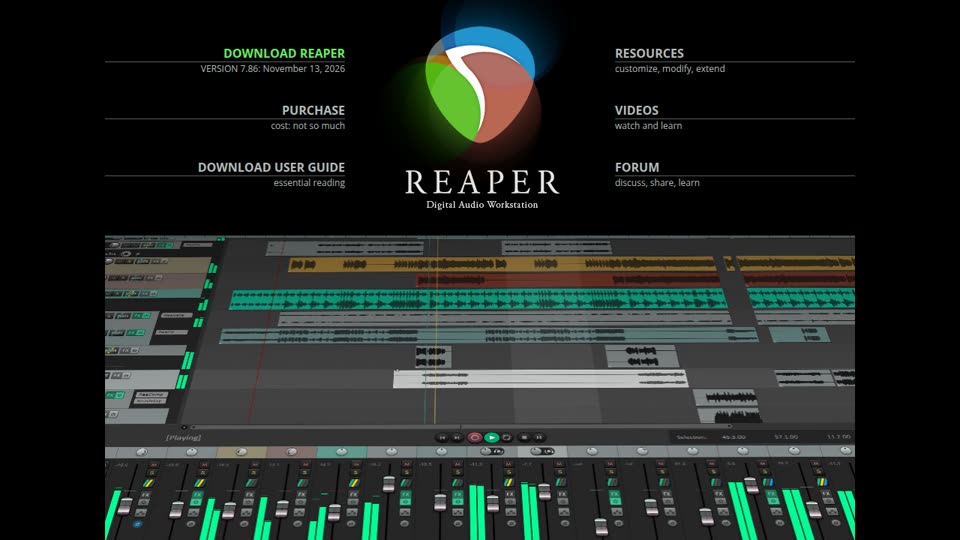
Platforms: Windows, Mac, Linux
Price: Full-featured 60-day evaluation; then a $60 discounted license (personal use or small businesses) or $225 commercial license (pricing)
Best for: Voice actors who want a pro workstation without a subscription
A full digital audio workstation (DAW) that is light, fast and endlessly customisable. Many audiobook narrators use it because it supports punch-and-roll recording (rewind, punch in, keep going) and handles hours-long projects without strain.
Good:
- Cheap for what it does, and the license covers updates for a long time
- Runs on modest computers
- Big voice over community sharing settings and scripts for narration workflows
Watch out:
- The default layout is plain and the options are overwhelming at first
- Expect to spend an evening setting it up (or import a voice over template)
Adobe Audition
Platforms: Windows, Mac
Price: Subscription, alone or in Creative Cloud (plans)
Best for: Narration editing and cleanup, especially if you already pay for Creative Cloud
Adobe’s audio editor, with both a waveform editor and a multitrack view. Its spectral frequency display lets you see and paint out mouth clicks, chair creaks and other noises.
Good:
- Excellent cleanup tools built in
- Works smoothly with Premiere Pro if you also edit video
- Lots of professional training material
Watch out:
- Ongoing subscription cost
- More than a beginner needs for auditions
TwistedWave
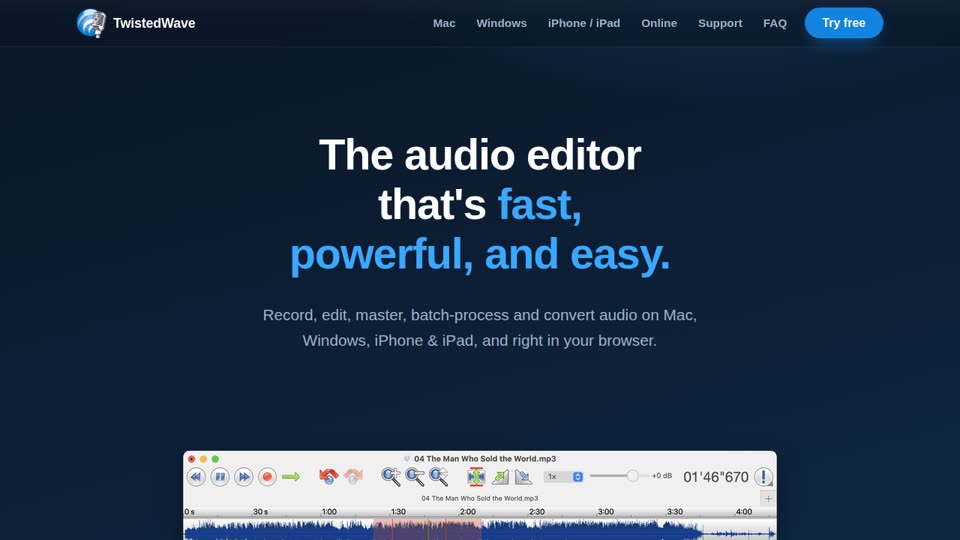
Platforms: Mac, Windows, iPhone and iPad, and in the browser
Price: Paid apps; the online editor has a free tier (see the site)
Best for: Quick, clean editing of single files
A simple editor that does one thing well: open a file, cut, clean, master and export. Popular with voice actors for audition editing because there is almost nothing to learn.
Good:
- Very fast for cutting and exporting auditions
- Batch processing for a folder of files
- Browser version works on any computer
Watch out:
- Not a multitrack workstation, so not for mixing music beds or long projects
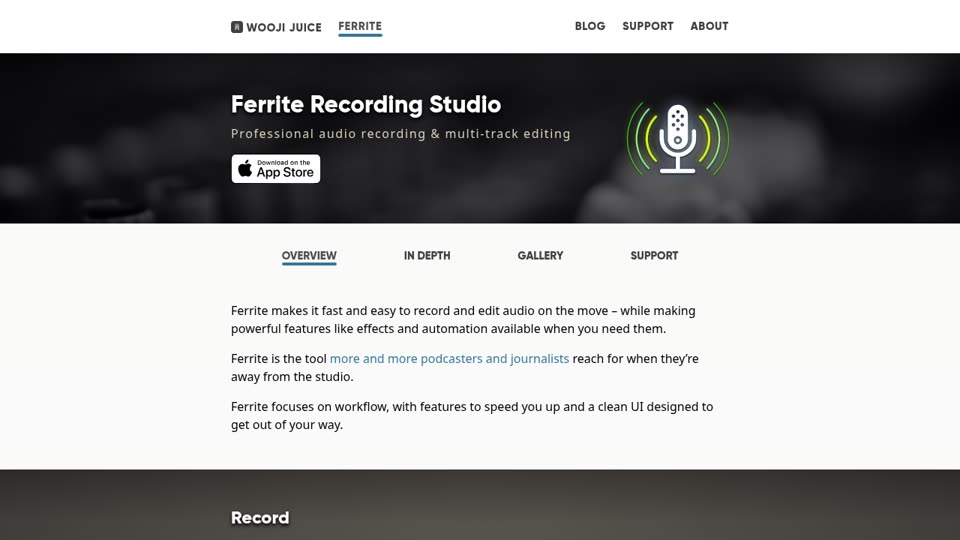
Ferrite Recording Studio
Platforms: iPhone, iPad
Price: Free to download, with an in-app purchase for Ferrite Pro
Best for: Recording and editing on an iPad or iPhone
A multitrack recorder and editor for iOS, built for spoken word: podcasts, interviews and voice over. With a USB mic plugged into an iPad it makes a usable travel setup.
Good:
- Designed for speech, not music, so the tools fit the job
- Touch editing is quick once you know it
Watch out:
- Apple devices only
- The free version is limited; most features need Pro
Visit Ferrite Recording Studio →
GarageBand
Platforms: Mac, iPhone, iPad
Price: Free
Best for: Getting started if you already own a Mac
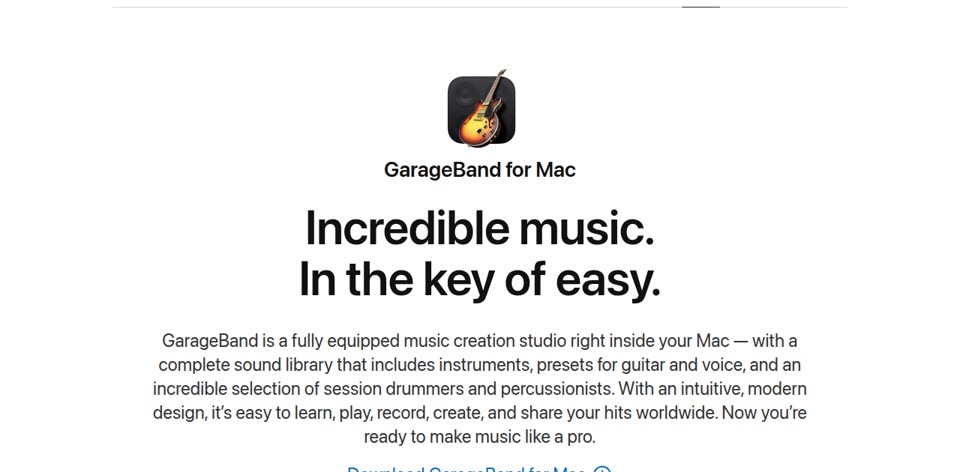
Apple’s free music studio. It is built for music, but it records and edits voice fine for practice and early auditions.
Good:
- Free and already on many Macs
- Clean interface, easy to start
Watch out:
- Music-first: no spectral cleanup, and exporting a simple mono WAV takes more clicks than it should
- You’ll likely outgrow it once you book work
ocenaudio
Platforms: Windows, Mac, Linux
Price: Free
Best for: A free, simpler alternative to Audacity
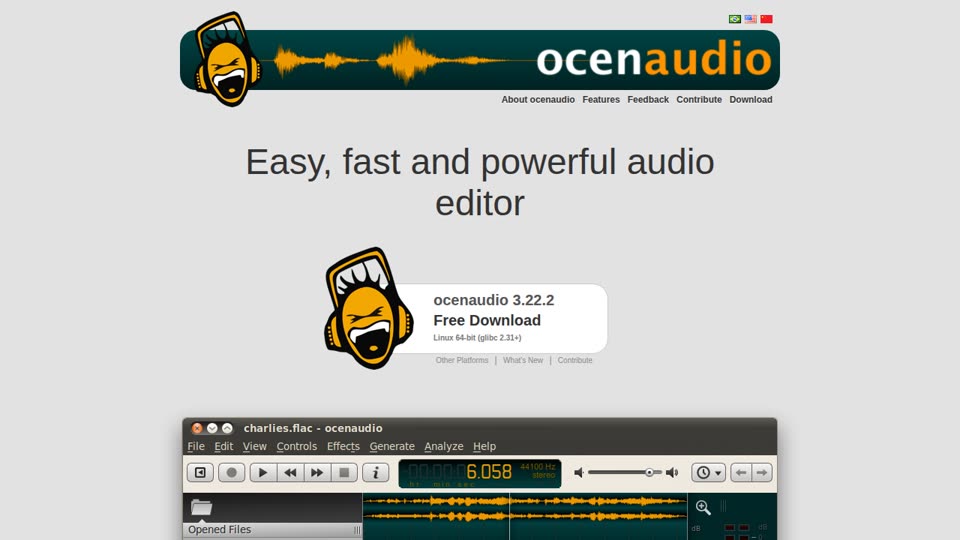
A lightweight free editor. Its standout feature is real-time preview: you hear an effect while you adjust it, before applying it.
Good:
- Free and quick to learn
- Real-time effect preview
- Handles large files without slowing down
Watch out:
- Single-file editor, no multitrack sessions
- Smaller community than Audacity
iZotope RX
Platforms: Windows, Mac (standalone and as a plug-in)
Price: Paid, in several tiers (Elements, Standard, Advanced); see current prices
Best for: Repairing problem audio: noise, clicks, mouth sounds, plosives
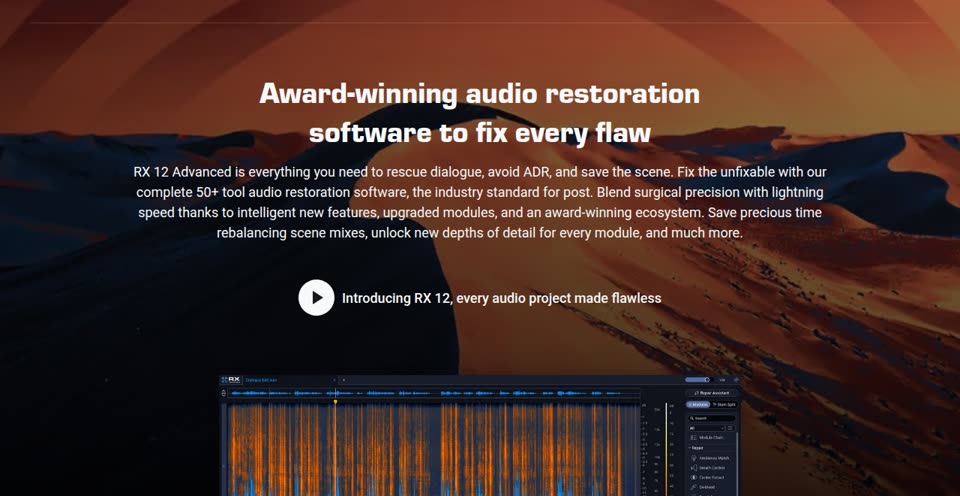
The industry standard for audio repair. Modules like De-click, De-plosive and Voice De-noise fix specific problems while leaving the voice alone. Audiobook narrators often use the mouth de-click alone and nothing else.
Good:
- Fixes things nothing else can
- Works inside your DAW as plug-ins
Watch out:
- Expensive at the higher tiers
- Not a replacement for a quiet room: clean recording beats heavy repair, and casting directors can hear over-processing
Pro Tools
Platforms: Windows, Mac
Price: Subscription; a free, limited version (Pro Tools Intro) is available (see plans)
Best for: Working in or with professional studios
The DAW most recording studios run. You don’t need it to start, but if a studio asks you to deliver sessions or you work alongside engineers, knowing Pro Tools helps.
Good:
- The studio standard, so sessions move between studios easily
Watch out:
- Subscription cost and a steeper learning curve than the voice-focused apps
- Overkill for home auditions
Apps for remote sessions
Once you work with clients, some will want to listen and direct live. For informal sessions a Zoom call while you record locally is common. For studio work, these are the tools you’ll be asked for.
Source-Connect
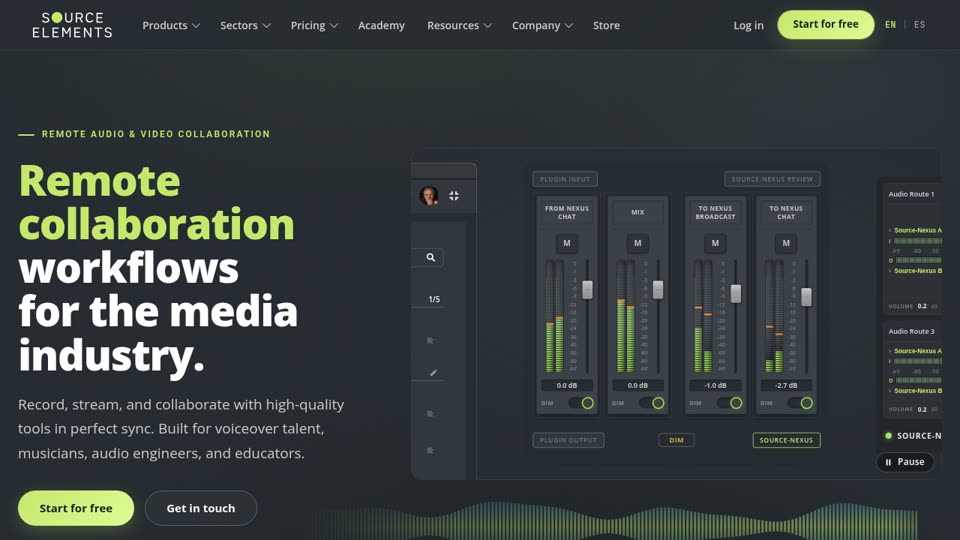
Platforms: Windows, Mac
Price: Subscription plans (see pricing)
Best for: Professional remote sessions, ADR and dubbing
The long-standing standard for connecting a home studio to a professional one. The studio hears your microphone at full quality in real time and can record you directly.
Good:
- What many studios and agencies expect you to have
- Studio-quality audio with low latency
Watch out:
- Paid, and setup involves your network and router
- Get it when clients ask for it, not before
ipDTL
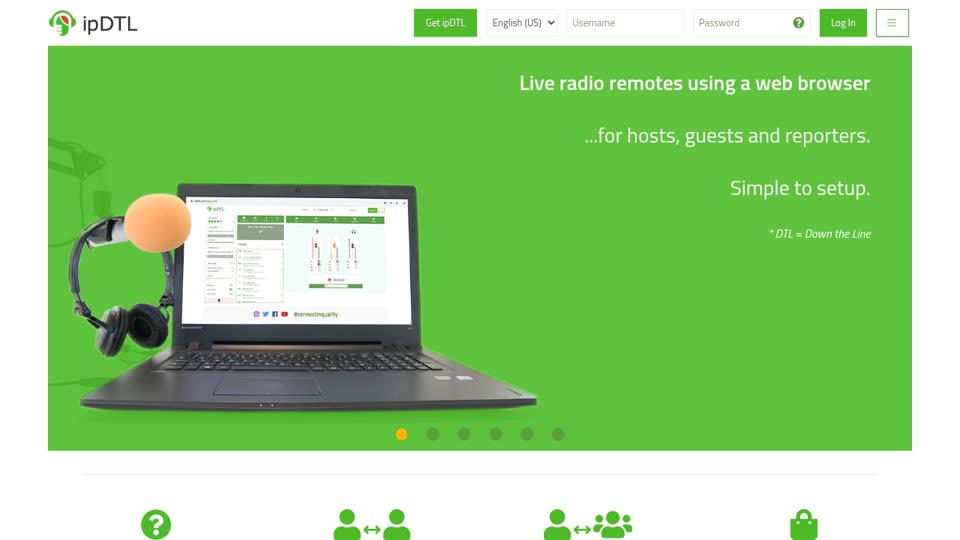
Platforms: Browser-based (Chrome)
Price: Subscription plans (see pricing)
Best for: Broadcast-quality remote sessions with nothing to install
Browser-based high-quality audio links, widely used by radio and studios for remote talent.
Good:
- Runs in the browser
- Broadcast quality
Watch out:
- Paid; check which plan your studio expects
SessionLinkPRO
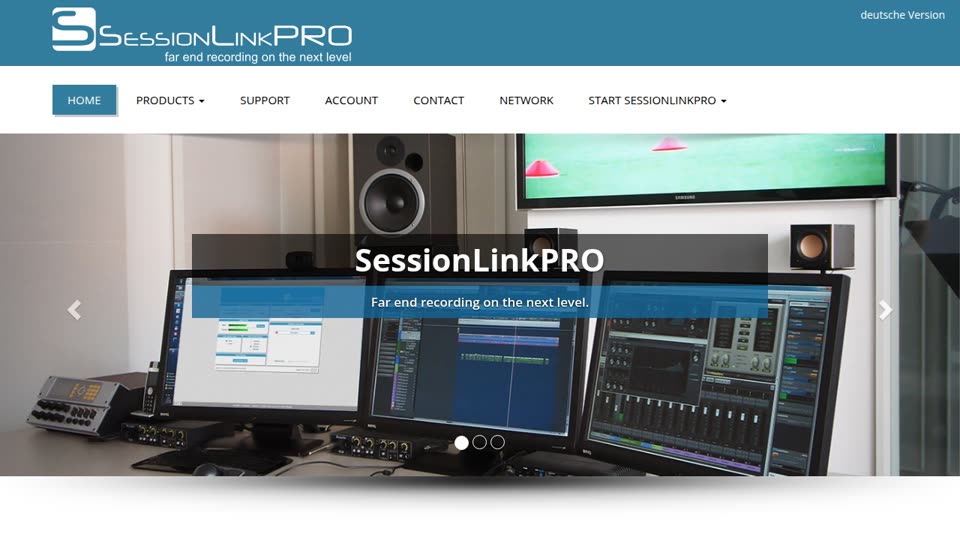
Platforms: Browser-based
Price: Subscription plans (see pricing)
Best for: Directed sessions where the client listens and records
Clients join by link, listen and direct, and receive a high-quality recording of the session.
Good:
- Easy for clients: they just open a link
Watch out:
- Another subscription; many voice actors only add it when a regular client uses it
Cleanfeed
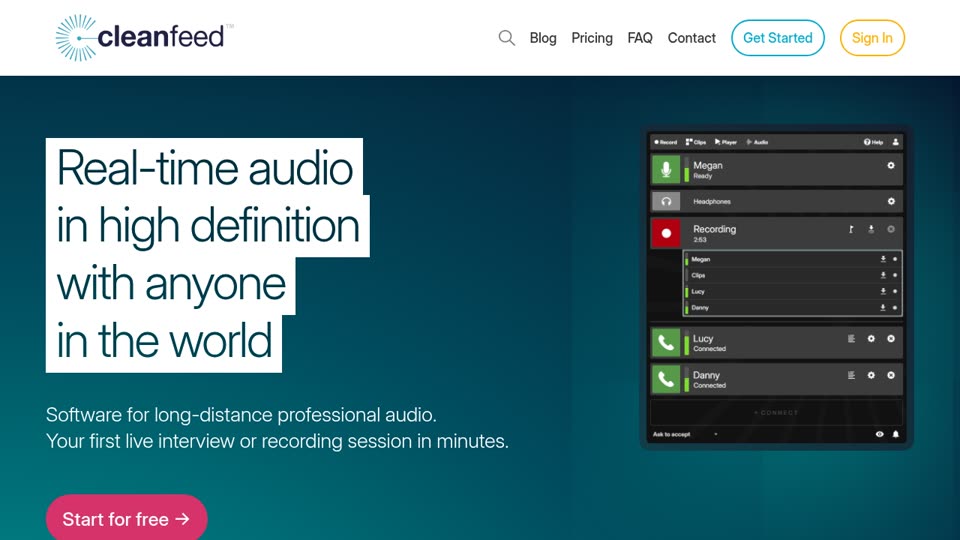
Platforms: Browser-based
Price: Free plan; Cleanfeed Pro is paid
Best for: Free high-quality remote sessions
A browser tool for high-quality live audio between people. The free version is enough for many directed sessions.
Good:
- Free to start
- No install for you or the client
Watch out:
- Fewer studio features than Source-Connect
Apps and sites for finding work
Casting sites connect you to clients. Read every job’s budget and usage terms, and watch for scams: the warning signs are in VO beginners beware. For what a fair rate looks like, see how much voice actors make.
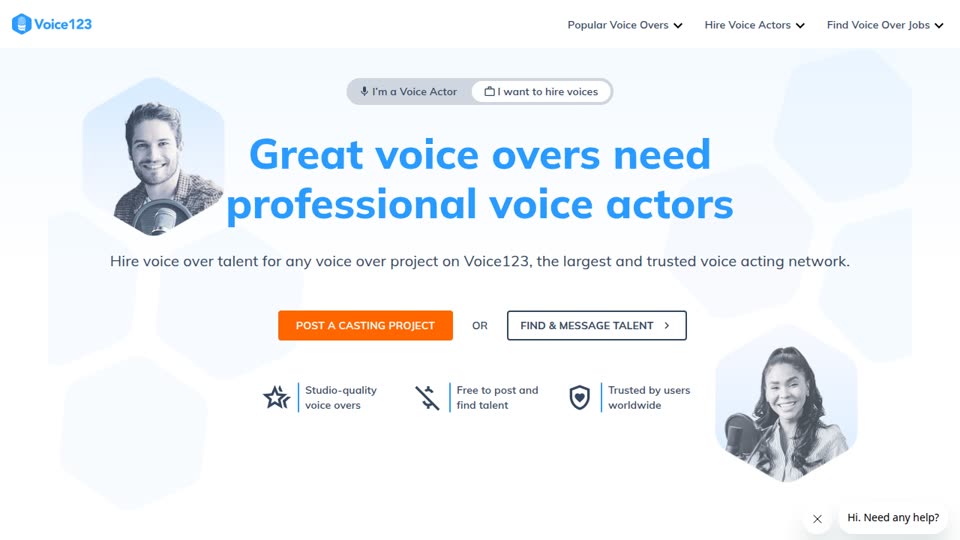
Voice123
Platforms: Web
Price: Free profile; paid memberships for more visibility and invitations
Best for: Getting auditions from clients who post projects
A voice over marketplace: clients post projects and invite voice actors to submit auditions.
Good:
- Large marketplace with steady job flow
Watch out:
- Competitive; a good demo and fast, well-recorded auditions matter
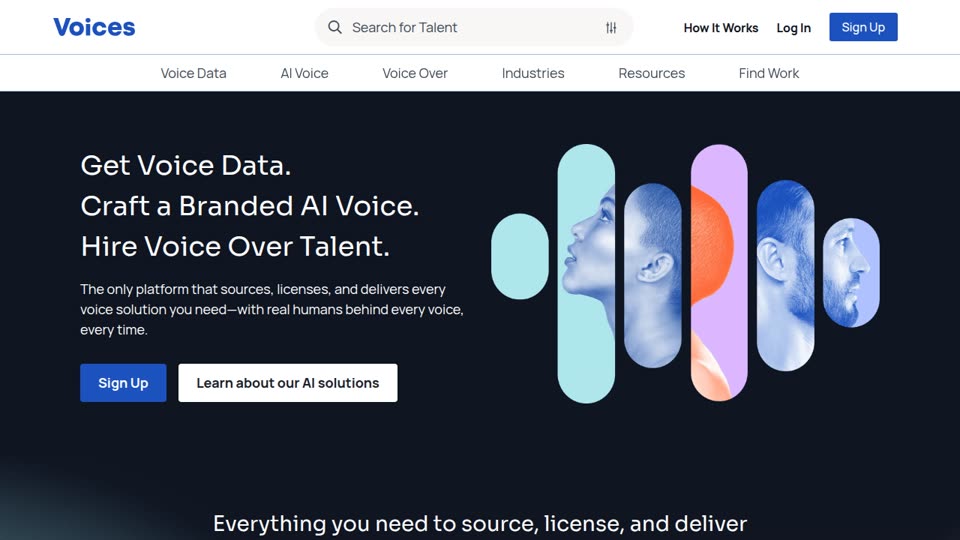
Voices.com
Platforms: Web
Price: Free account; Premium membership $499/year (check current pricing)
Best for: Auditioning for commercial, e-learning and corporate jobs
One of the largest voice over marketplaces. Clients post jobs and talent audition. It also sells AI voice and voice data services now.
Good:
- Many jobs across genres
Watch out:
- Pay-to-play: weigh the membership against the work you book
- Read each job’s budget and usage terms
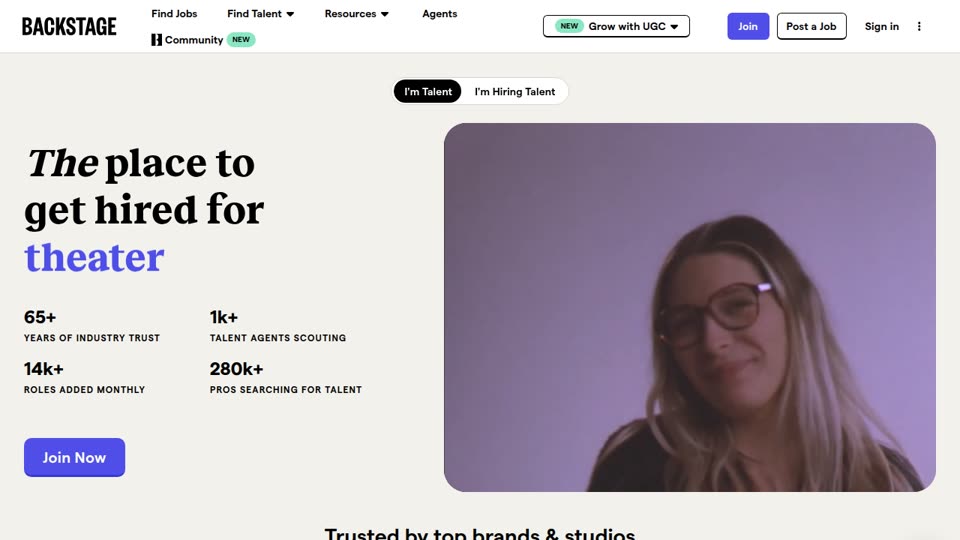
Backstage
Platforms: Web, iOS, Android
Price: Subscription to apply to most roles
Best for: Actors who audition for on-camera and voice work
A casting site for all kinds of acting, including voice over roles.
Good:
- Covers acting broadly, not just voice
Watch out:
- Voice over is a small share of listings
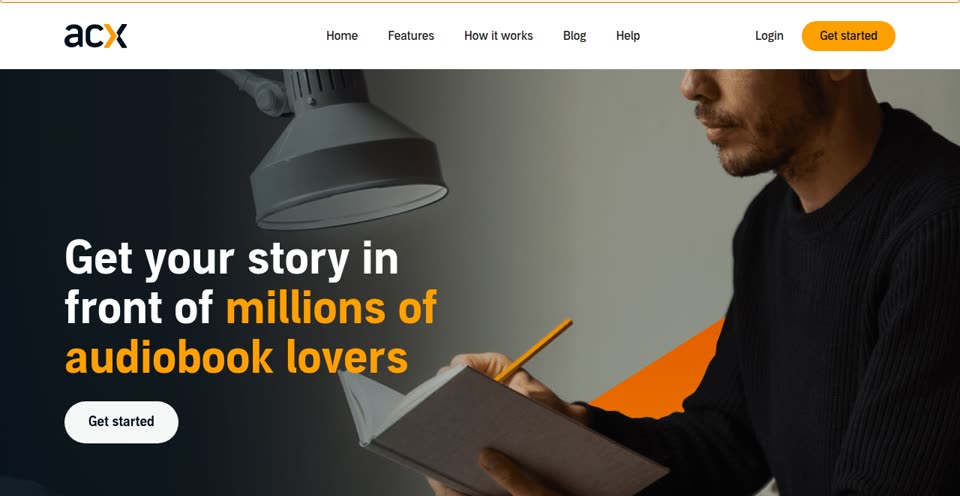
ACX
Platforms: Web
Price: Free to join; narrators are paid per finished hour or through a royalty share
Best for: Audiobook narration
Audible’s marketplace where authors and publishers find narrators. You audition with a short excerpt, and if hired you produce the whole book to ACX’s audio standards.
Good:
- The most direct way into audiobooks
- Free to sign up
Watch out:
- Strict audio requirements (RMS levels, peak and noise floor); check them before you record a book
- Royalty-share deals can pay very little; read the terms
Casting Call Club
Platforms: Web
Price: Free, with optional premium
Best for: Practice roles in fan projects, animations and indie games
A community where creators post roles for hobby and indie projects. Most are unpaid, but it’s a good way to get experience and character reels.
Good:
- Lots of character work to practise on
- Free
Watch out:
- Most roles are unpaid
Free practice tools (on this site)
These run in your browser, need no account, and are free.
Script timing calculator
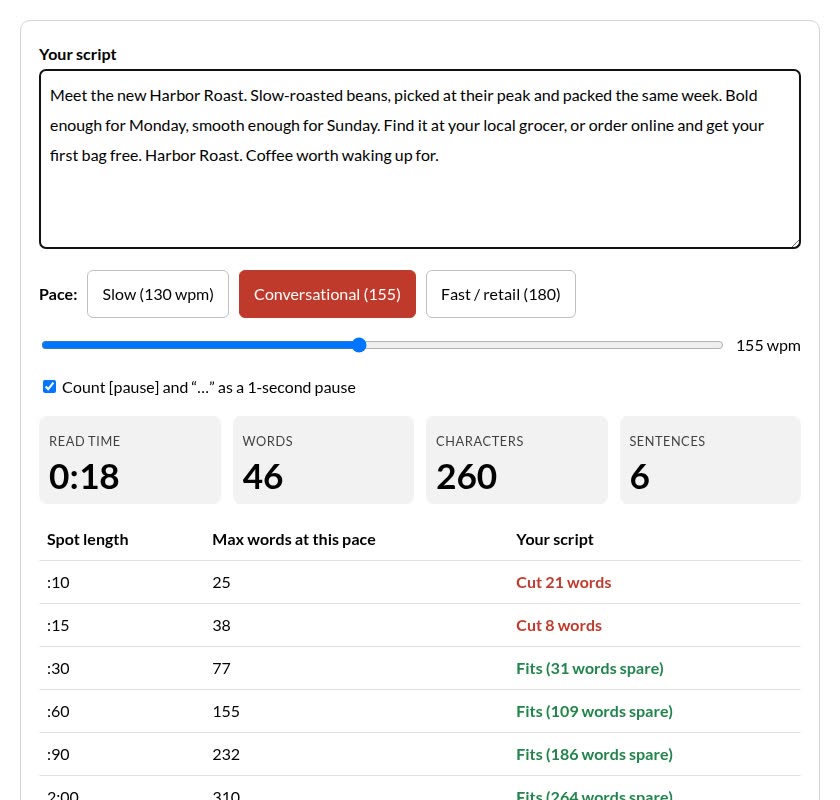
Paste a script and see how long it reads at slow, conversational or fast pace, and whether it fits a :10, :15, :30 or :60 spot (and how many words to cut if it doesn’t).
Open the script timing calculator →
Random emotion generator
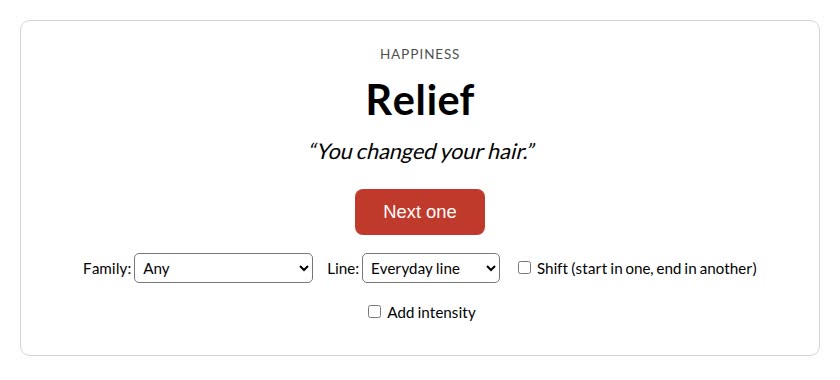
Get a random emotion and a line to say with it. Read it straight away, record it, and play it back: it’s the fastest range drill there is.
Open the random emotion generator →
Also free: 46 voice over scripts with reference reads, an acting emotions list and 40 tongue twisters for warm-ups.
Apps that make a voice over for you (AI)
Need narration for a video, course, ad or presentation without recording it yourself? AI voice over apps turn text into speech in seconds. They’re useful for voice actors too: hear a script before a session, check timing, or try a delivery you hadn’t considered.
Lazybird
Platforms: Web
Price: Free to start, paid plans for more
Best for: Natural-sounding voice overs for videos, ads, courses and audiobooks
An AI voice over app with 500+ voices in many languages. You can give each line an acting direction (whisper, excited, deadpan, sad) so the read sounds performed rather than flat, and it does multi-voice dialogue. Every reference read on our scripts page was made with it. Hear three of them:
Movie trailer (:30, epic), voice Victor
Breathing exercise (1:00, soft), voice Willow
Detective interview, two voices: Walter and Beau
Disclosure: this site is supported by Lazybird.
When does a human voice actor still make sense? When the performance carries the project: character work, emotional commercials, audiobooks listeners spend hours with, and anything where live direction matters. Many projects now use both: AI for drafts and placeholder reads, a human for the final.
How to choose
- Just starting: Audacity, ocenaudio or GarageBand, plus the free practice tools above. Spend money on a quiet room and a decent mic before software.
- Auditioning regularly: move to REAPER (or Audition if you already have Creative Cloud), and open accounts on one or two casting sites.
- Narrating audiobooks: REAPER with punch-and-roll, plus iZotope RX Elements for mouth clicks. Check ACX’s audio standards first.
- Working with studios: add Source-Connect or a browser tool when clients ask, not before.
- Need a voice over without recording: use an AI voice over app.
How we chose these apps
We picked apps voice actors actually use for each stage of the job (record, edit, connect, find work), took platforms and pricing from each official site (November 2026), and left out apps that are discontinued or not made for voice work. Where a price changes often, we link to the pricing page instead of quoting a number.
FAQ
What is the best free voice over app?
Audacity for most people. ocenaudio is simpler, and GarageBand is fine if you’re on a Mac. All three can record and export an audition.
Can I record auditions on my phone?
For practice, yes. For auditions, a phone’s built-in mic usually sounds roomy. A USB mic into an iPad with Ferrite works; for regular auditions, use a computer setup in a treated space.
Do I need Source-Connect to start?
No. Most beginner work is self-directed: you record and send files. Get a remote session tool when a client asks for one.
What’s the best app for audiobooks?
REAPER is the popular choice because of punch-and-roll recording and its low price; Audition and Pro Tools also work. Add a de-click tool like iZotope RX for mouth noise.
Is an AI voice over app worth using as a voice actor?
As a tool, yes: hear a script read before you record, check timing, or compare deliveries. It won’t replace your own performance in auditions.
New to voice acting? Start with how to become a voice actor.